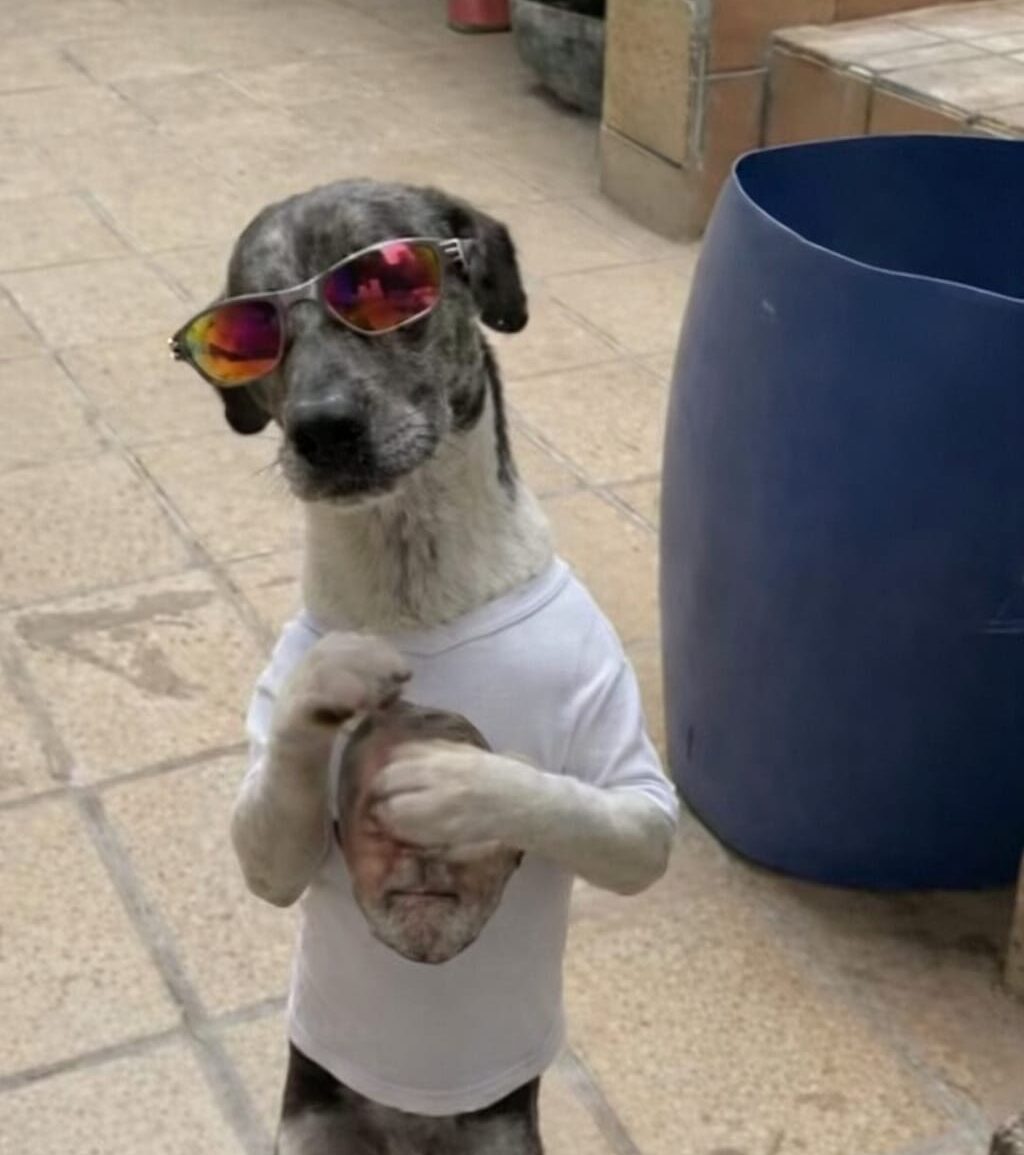
Artificial intelligence is transforming digital creativity like never before. Today, you don’t need dance skills, expensive equipment, or a studio to create a viral dance video. With the help of AI tools, a single photo is enough to generate an eye-catching, animated dance video. Here’s a simple step-by-step guide to making your own AI dance video.
Step 1: Choose a High-Quality Photo
Start with a clear and well-lit image.
-
The face should be clearly visible
-
A full-body or half-body photo works best
-
Simple backgrounds improve AI results
A good photo ensures smoother motion and more realistic animation.

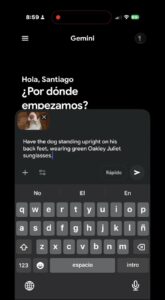
Step 2: Upload the Photo to Gemini and Add a Prompt
Next, open Gemini AI:
-
Upload your selected photo
-
Write a descriptive prompt, such as
“Create a stylish, energetic, dance-ready character with modern vibes.”
Gemini helps refine the image and prepare it for video generation.
Prompt: Have the dog stand upright on his back feet. Wearing green Oakley Juliet sunglasses.
Step 3: Open Kling AI and Select AI Video
Now move to Kling AI:
-
Choose the AI Video option
-
Select Motion Control
This feature allows AI to apply realistic movement to your image.
o 
Step 4: Upload the Image in Motion Control
-
Upload the image you prepared earlier
-
Select a dance style or motion preset
-
Adjust movement intensity if available
This step defines how your character will dance.
Step 5: Click Generate and Let AI Do the Magic
Once everything is set, simply click the Generate button.
Within moments, Kling AI will process your request and create a dynamic, engaging dance video.
🎉 Your AI-powered viral dance video is ready!
Final Thoughts
AI dance videos are perfect for social media content, reels, shorts, and branding. With tools like Gemini and Kling AI, anyone can turn creativity into viral content—quickly and effortlessly.